


Ask a plain question, get the FTE value and a link to the exact cell

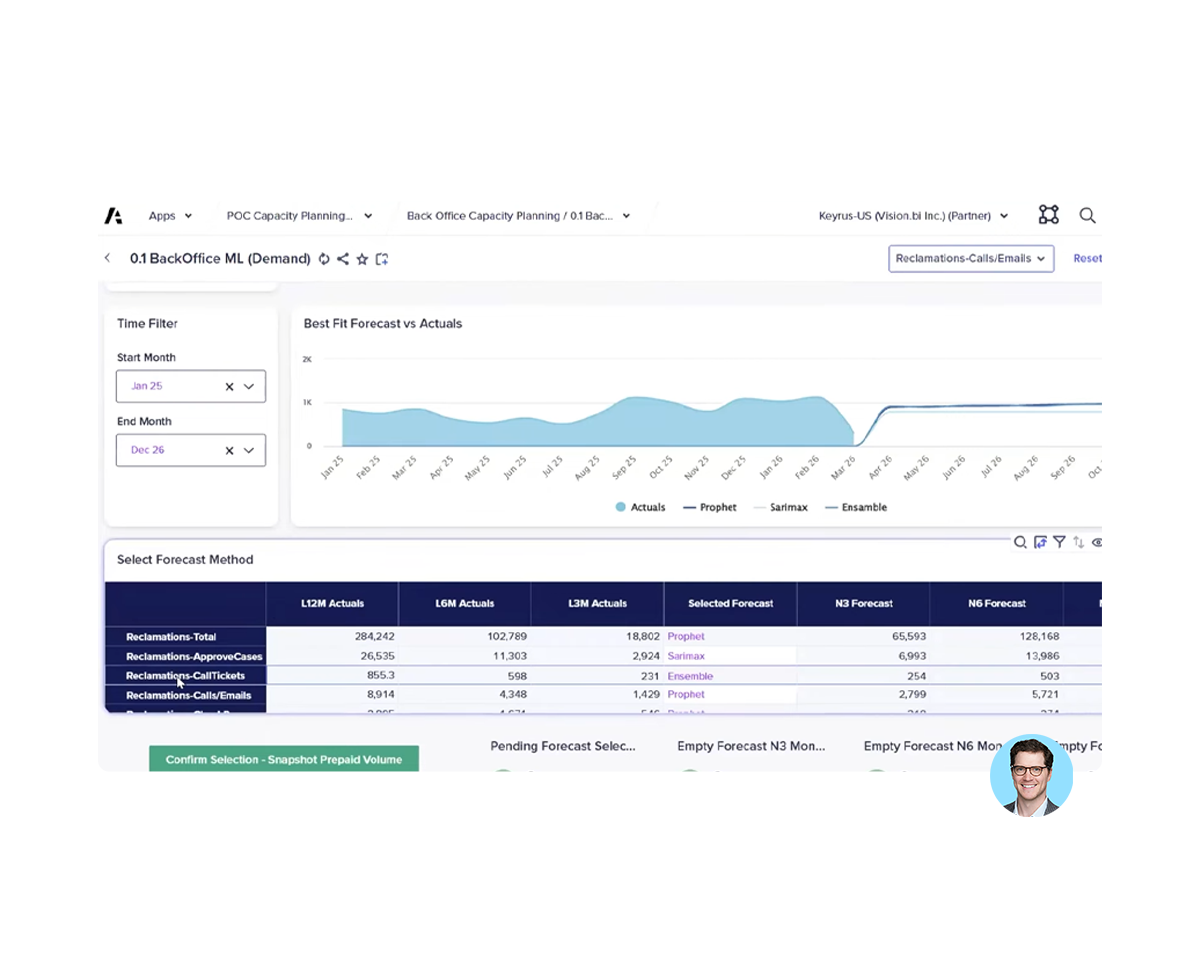
Compare several demand forecasts side by side and pick the best fit

Model task steps, cancellations and staff to track backlog and SLA
Many back-office teams still plan capacity across several Excel spreadsheets, which makes it slow to answer a simple staffing question or see where demand and backlog are heading. This demo shows how Anaplan brings back-office capacity planning into one connected, audited model, with an AI agent working alongside the planner. It is built for operations and workforce planning teams in financial services and other audited industries who want quicker answers, stronger demand forecasts and a clearer view of their backlog.